Your day breaks at 11:30. The plan doesn't have to.
The planner built for the moment a task gets postponed.
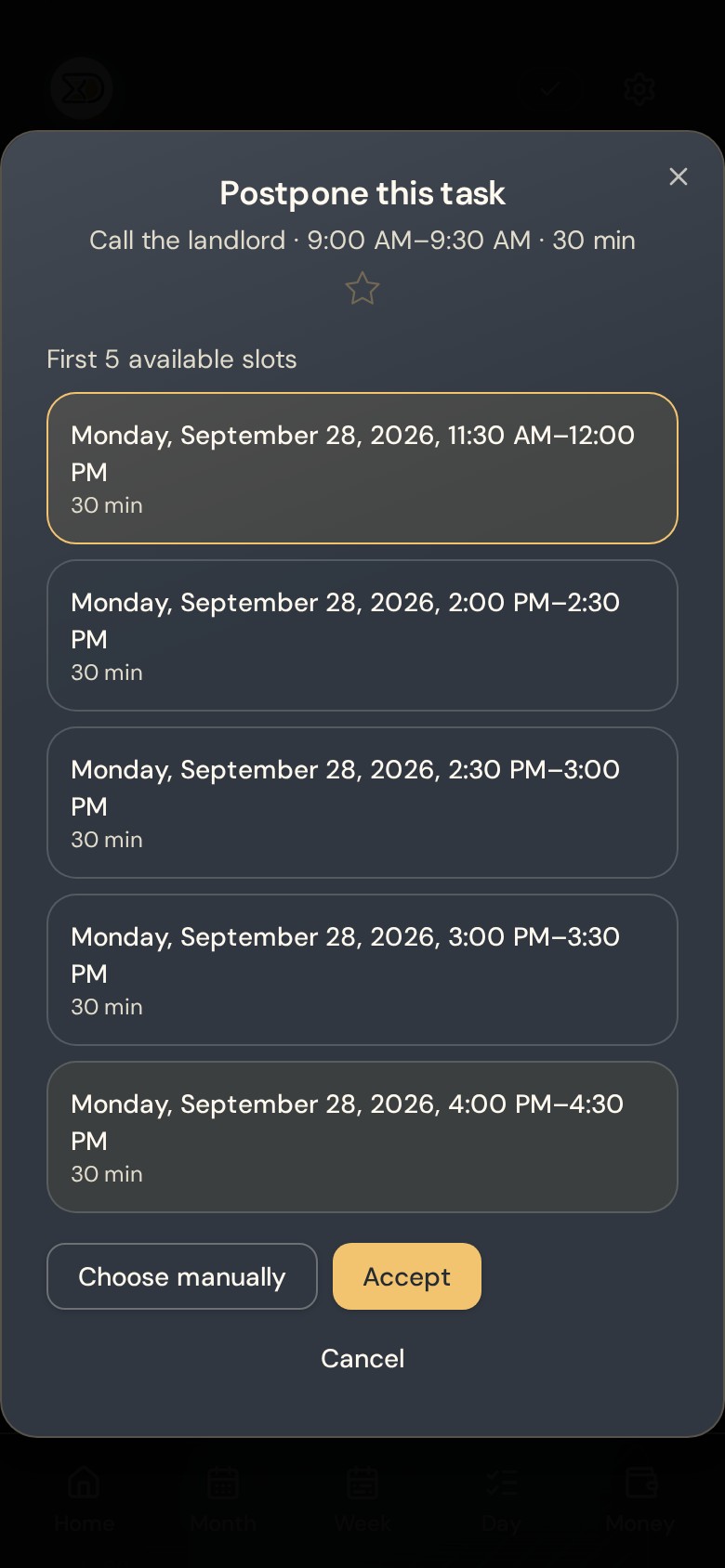
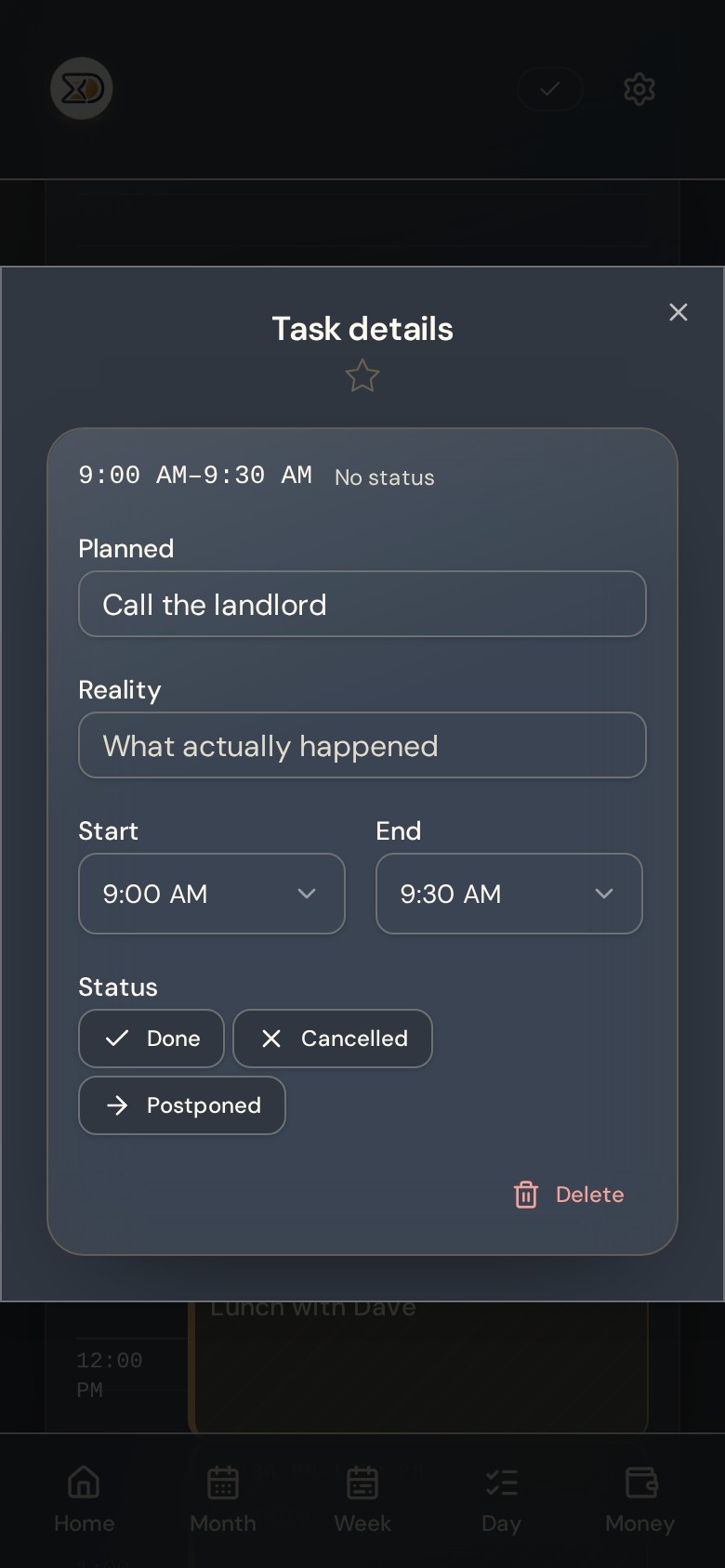
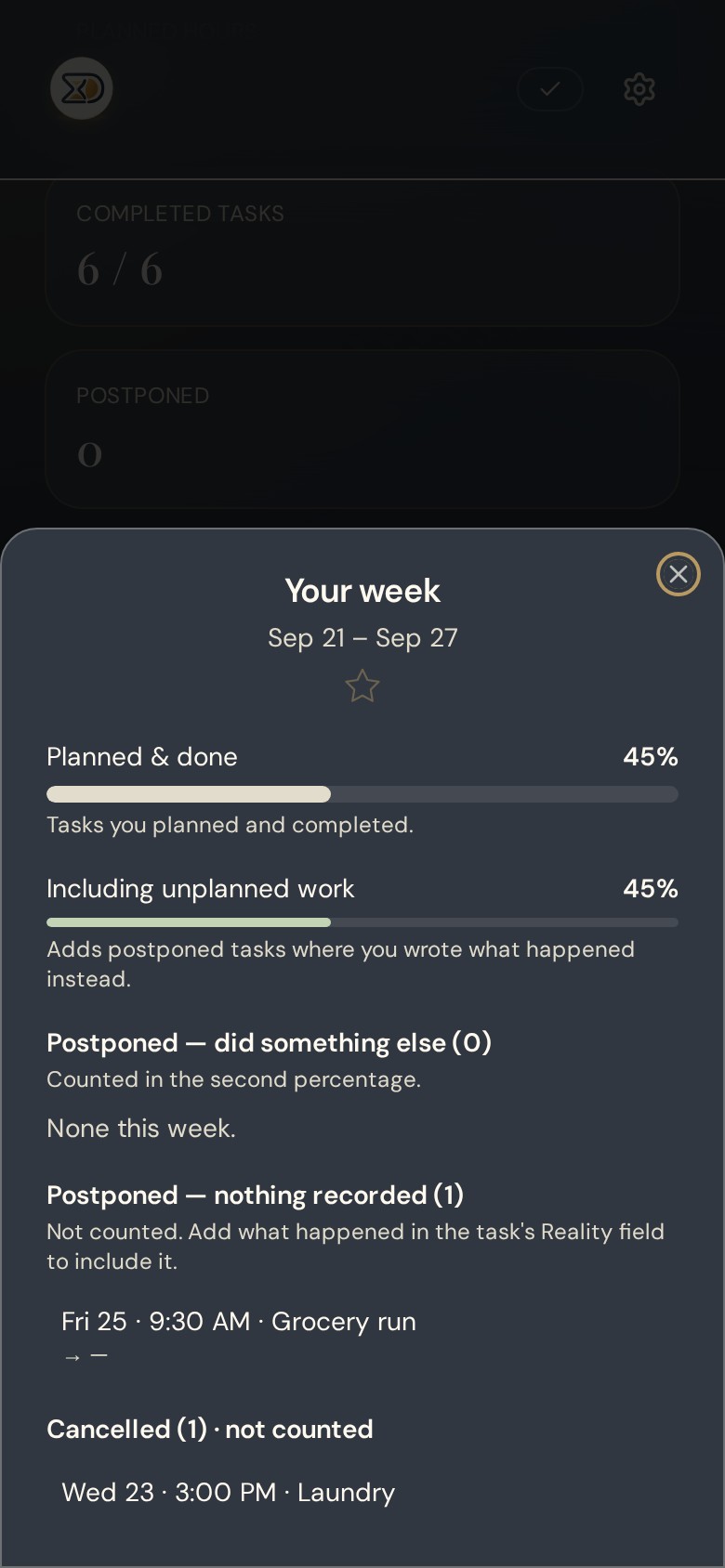
Tap Postponed and SMART Planner shows the first 5 genuinely free slots in your own hours, then keeps both records: what you planned, and what actually happened.
11:30 AM — Design review
Design review
- 1:15 PM
- 2:00 PM
- 3:30 PM
- 4:00 PM
- 5:45 PM
Three seconds. No rebuilding the day.
One payment, lifetime access, no subscription. Start planning in under a minute.
Pay securely with card or PayPal
7-Day Money-Back Guarantee. Try SMART Planner for 7 days. If it is not for you, contact us within 7 days of purchase for a 100% refund.
Available for the first 100 Founding Members
- Instant access
- One payment, no subscription
- Secure checkout
- Export your data any time


SMART Planner by the numbers
Less time managing your planner. More time actually doing things.
Open it, set your availability, start planning. No tutorials, no dashboards to build, no productivity system to learn.
$49
Once. No subscription.
Under 1 min
Set your hours and plan your first task.
Start → End
Choose any start and end time in 15-minute steps.
0 bars
Works offline. Your plan opens with no connection.
Flexible scheduling
Plan your time your way.
Choose a Start Time and an End Time in simple 15-minute increments. A 15-minute task, a 45-minute meeting, a 90-minute workout — your schedule fits your real day, not the other way around.
- 15-minute tasks
- 30-minute calls
- 45-minute meetings
- Longer activities
Examples
- 11:15 → 11:30Quick check-in
- 11:15 → 11:45Team meeting
- 14:30 → 16:15Admin tasks
- 18:00 → 19:30Workout
More flexibility without more complexity.
Built to be understood in two minutes, not configured for a week.
Most planners ask you to connect calendars, learn rules, or trust an algorithm before you get anything back. This one asks for your hours and three tasks.
| Criteria | SMART Planner | AI scheduling calendars | Guided daily planners |
|---|---|---|---|
| To get started | Set your hours, add three tasks. No account linking required. | Connect a work calendar first | Connect your task apps, then learn the ritual |
| When a task slips | You tap Postponed and pick from 5 free slots | An algorithm reshuffles your calendar for you | You re-plan it manually in the next session |
| Who is in control | You are. Nothing moves unless you move it. | The algorithm decides, then you review | You do, but the daily ritual takes 15–20 minutes |
| Your day covers | Midnight to midnight, seven days, shaped around your real hours | Working hours on a standard calendar | Working hours on a standard calendar |
| With no connection | Opens and keeps working | Cloud-first, varies by product | Cloud-first, varies by product |
| What you pay | $49 once | A monthly subscription, per user | A monthly subscription, per user |
SMART Planner
- To get started
- Set your hours, add three tasks. No account linking required.
- When a task slips
- You tap Postponed and pick from 5 free slots
- Who is in control
- You are. Nothing moves unless you move it.
- Your day covers
- Midnight to midnight, seven days, shaped around your real hours
- With no connection
- Opens and keeps working
- What you pay
- $49 once
AI scheduling calendars
- To get started
- Connect a work calendar first
- When a task slips
- An algorithm reshuffles your calendar for you
- Who is in control
- The algorithm decides, then you review
- Your day covers
- Working hours on a standard calendar
- With no connection
- Cloud-first, varies by product
- What you pay
- A monthly subscription, per user
Guided daily planners
- To get started
- Connect your task apps, then learn the ritual
- When a task slips
- You re-plan it manually in the next session
- Who is in control
- You do, but the daily ritual takes 15–20 minutes
- Your day covers
- Working hours on a standard calendar
- With no connection
- Cloud-first, varies by product
- What you pay
- A monthly subscription, per user
Category comparison based on publicly available product pages, August 2026. Categories vary, check any tool you're considering for current details.
Offline
Works when the signal doesn't.
Basement, plane, hospital corridor, rural road. The installed app opens, reads and accepts edits with no connection, then syncs everything the moment you're back online.
Opens with no network
The app itself is stored on your device, not fetched each time.
Edits are never lost
Changes queue locally and drain in order when the connection returns.
Quiet status
A small Offline · Syncing · Synced label. No modals, no red banners.
Guided simulation
Watch a broken 11:30 AM → 12:30 PM block get fixed, step by step.
Live demo
1 · Add a Planned task
Planned
Design review
Reality
—
Sample data, nothing is saved
The app
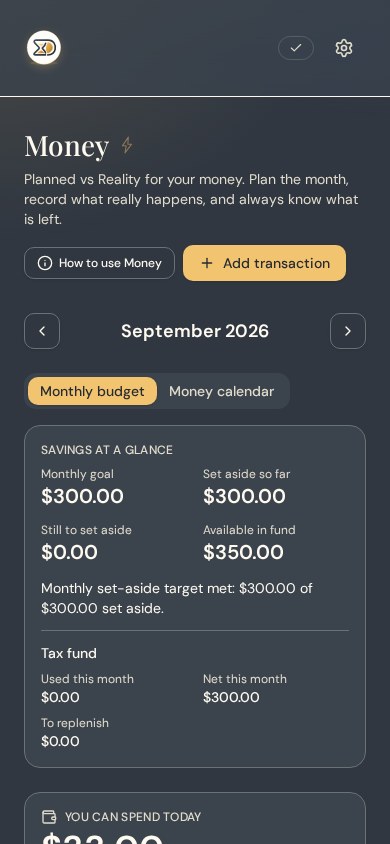
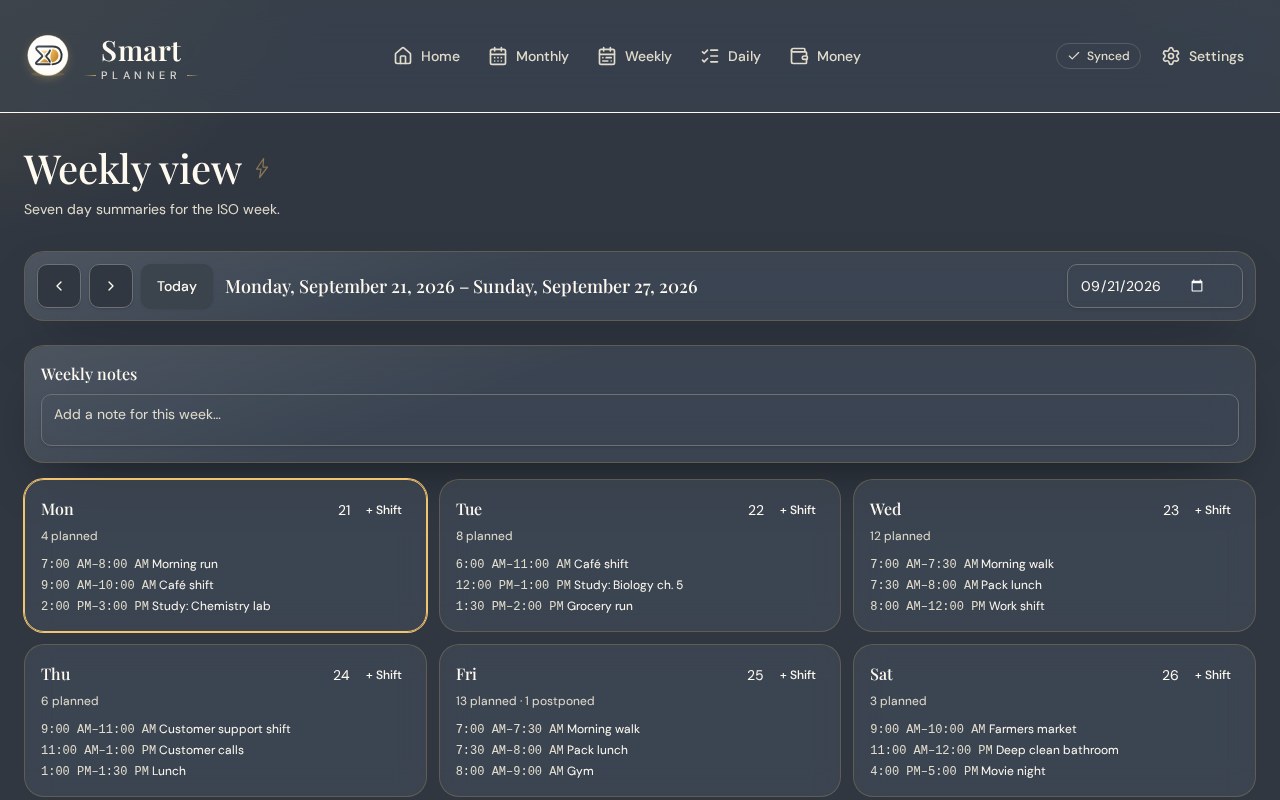
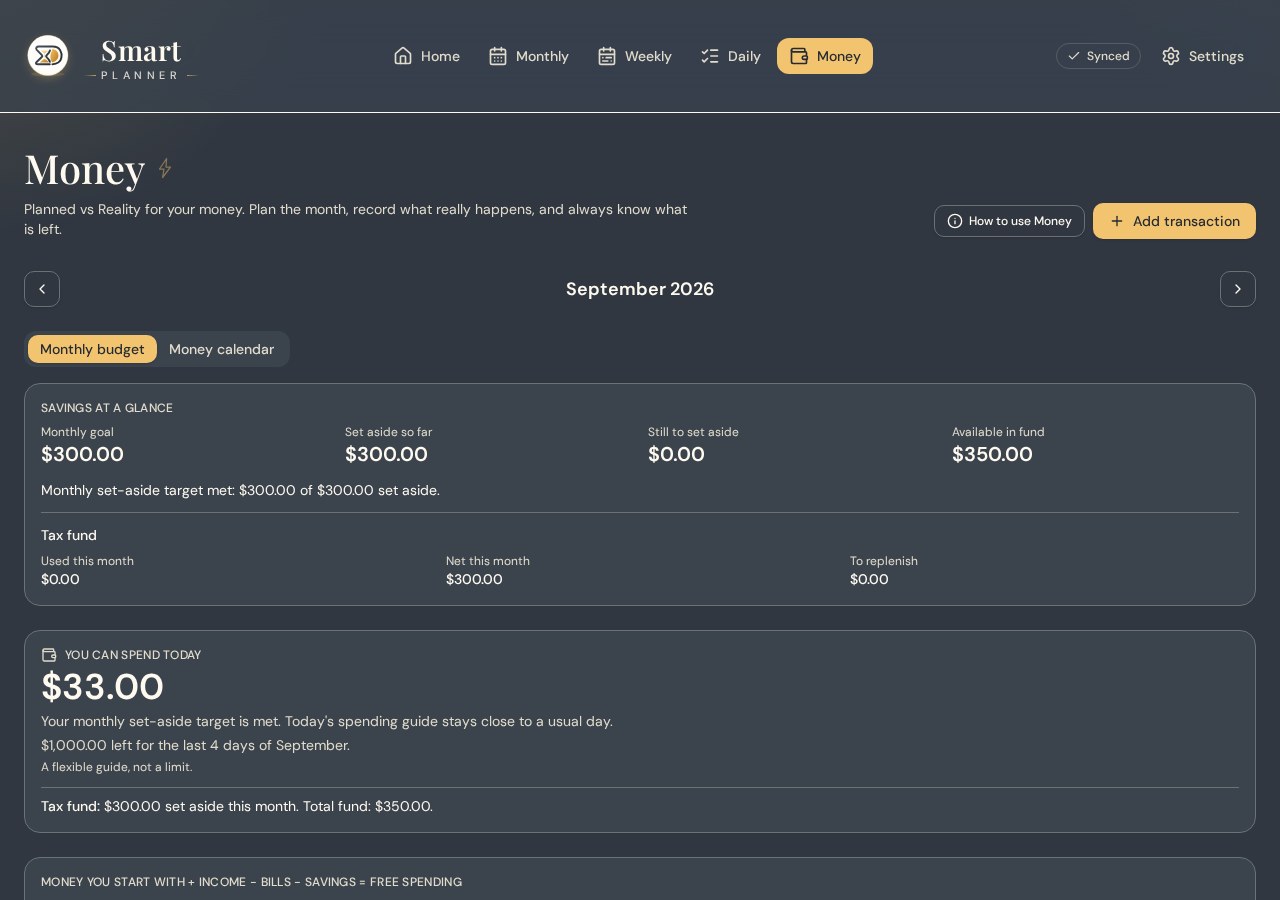
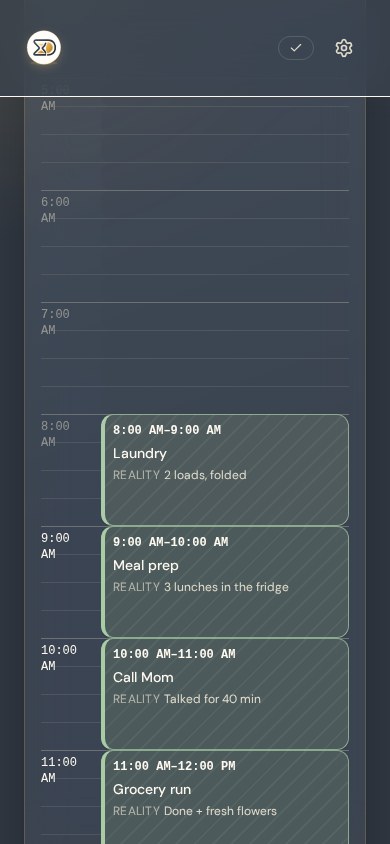
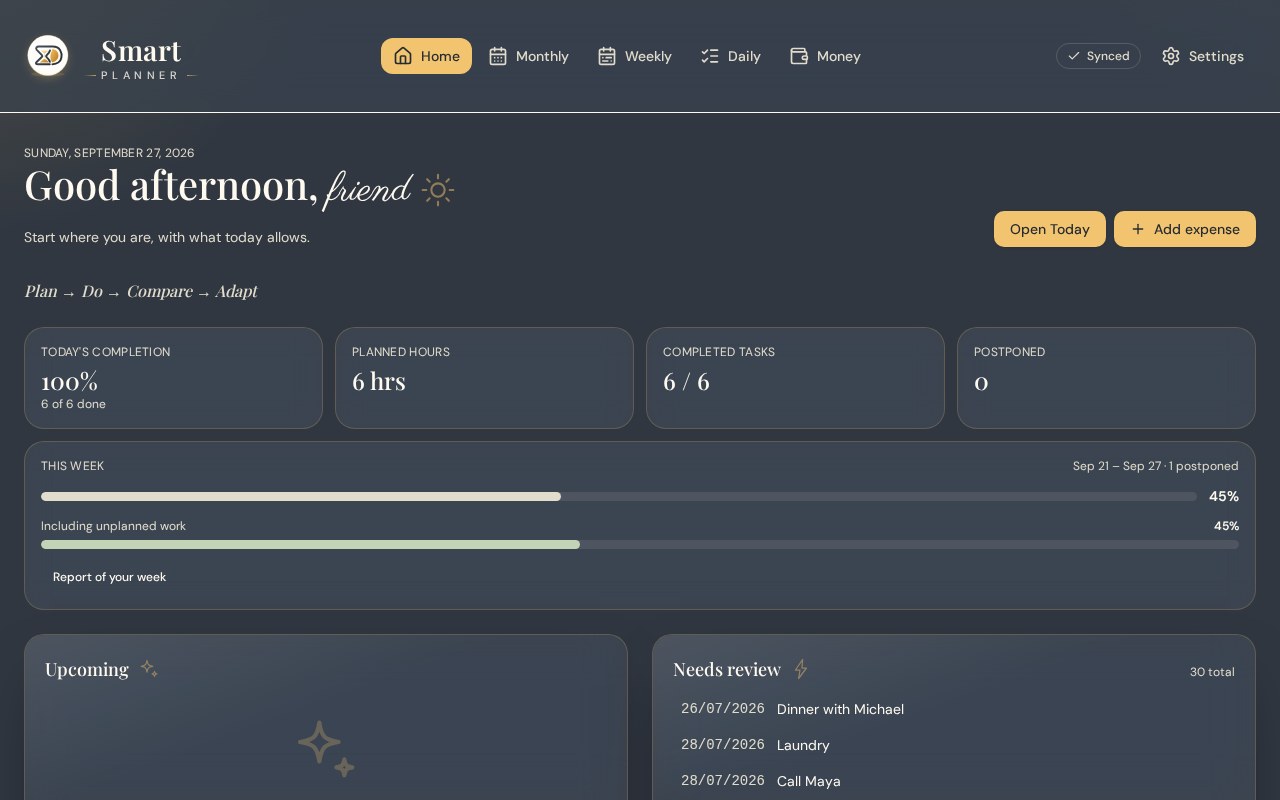
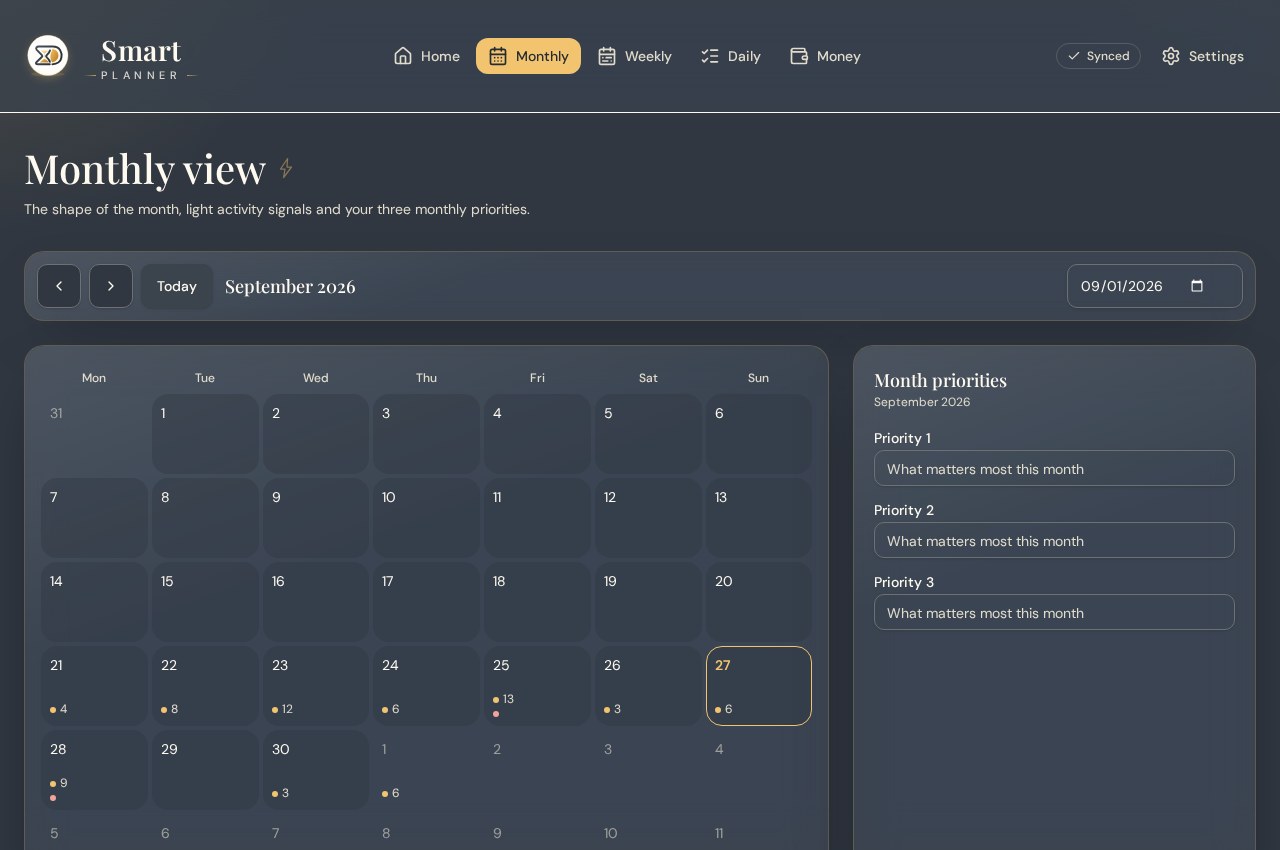
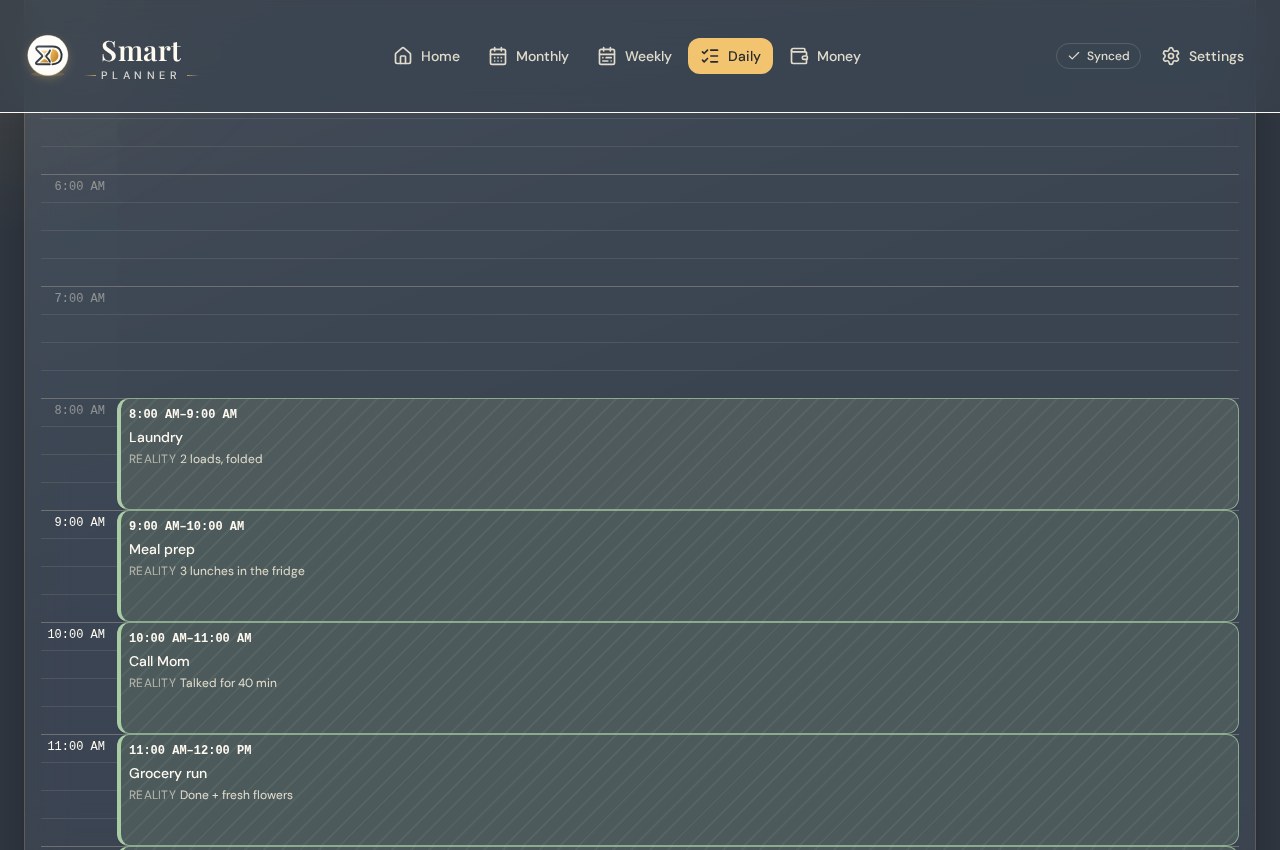
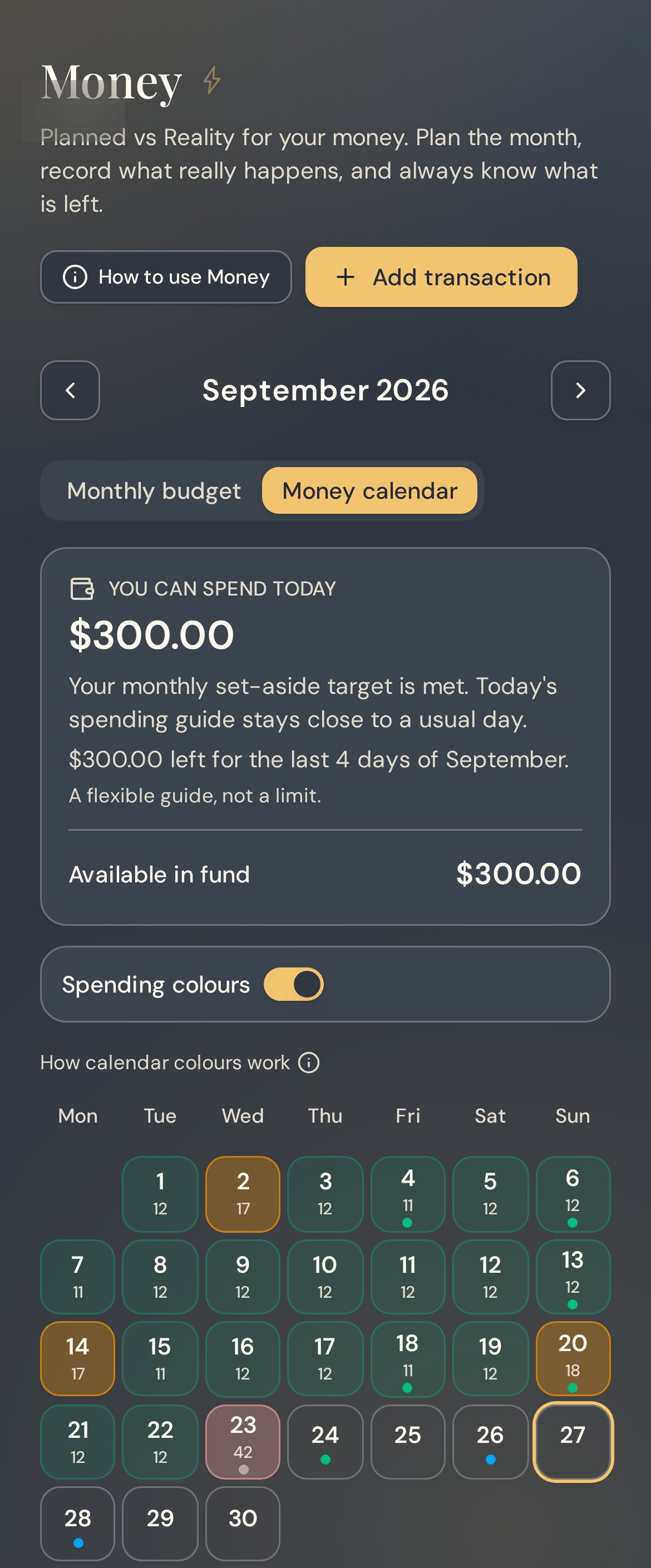
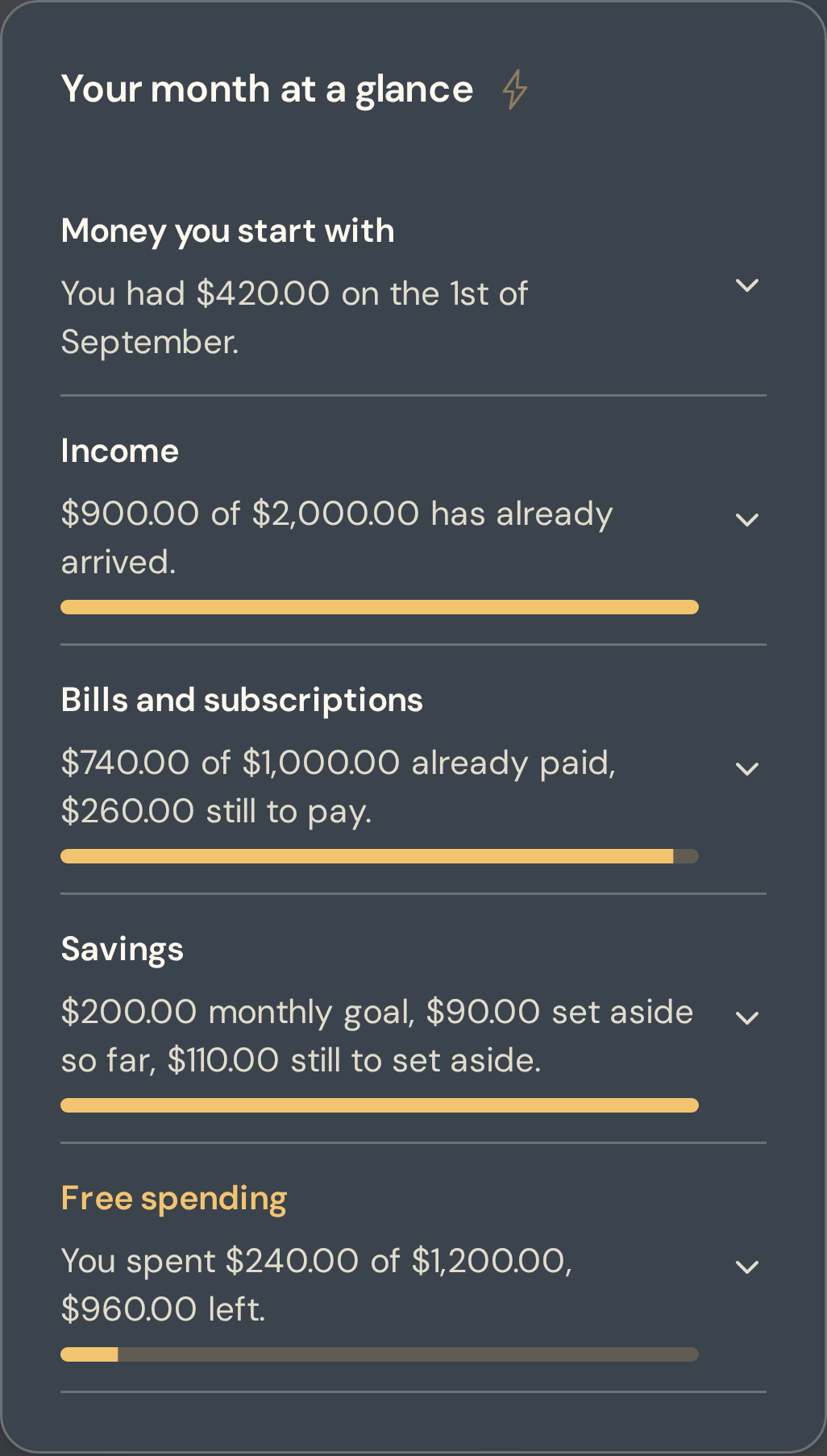
Home, Monthly, Weekly, Daily. The same day, four useful distances.
Pick a view and watch the real interface change. Everything here is the actual SMART Planner layout with sample data.
Today at a glance: completion, planned hours and everything you postponed.

Shift work
A grid that doesn't stop at 6 PM.
Midnight to midnight, Monday to Sunday, 15-minute precision. Night shifts, early starts, split days, rotating rosters and tasks that cross midnight are planned where they actually happen.
- Plan a 10:00 PM to 6:00 AM shift as one real block
- Sleep and recovery live in the grid like anything else
- Rotating weeks stay readable in Weekly and Monthly views
- 10:00 PM – 6:00 AMNight shift
- 6:30 AM – 7:15 AMWind down
- 7:15 AM – 2:00 PMSleep
- 3:00 PM – 3:45 PMErrands
- 4:00 PM – 5:00 PMGym
Light & dark
Choose your style
Drag the slider to see the planner in light and dark. Inside the app you pick the theme you prefer, it never changes behind your back. You can also choose your clock: 12-hour (AM / PM) or 24-hour, switchable any time in Settings.
Tuesday 18 August
Plan → Do → Compare → Adapt
Today's completion
50%
Planned hours
7 hrs
Completed tasks
2 / 7
Postponed
3
Tuesday 18 August
Plan → Do → Compare → Adapt
Today's completion
50%
Planned hours
7 hrs
Completed tasks
2 / 7
Postponed
3
Price over time
One payment, then nothing.
You pay $49 once, for life. That is about 5 months of a typical subscription planner at $10 a month. The table below is the total you have paid after each period, not a yearly charge.
| Total paid after | SMART Planner (one payment, lifetime) | Subscription planners (billed monthly) |
|---|---|---|
| 1 year | $49$49 paid in year 1 | $120$120 paid this year, billing continues |
| 2 years | 0 €0 € paid this year, and every year after | $240$120 paid this year, billing continues |
| 3 years | 0 €0 € paid this year, and every year after | $360$120 paid this year, billing continues |
| 5 years | 0 €0 € paid this year, and every year after | $600$120 paid this year, billing continues |
Subscription column uses an illustrative $10 per month for the category. No specific product is implied.
$49 once. That's the whole price.
Available for the first 100 Founding Members
- Instant access
- One payment, no subscription
- Secure checkout
- Export your data any time
Pay securely with card or PayPal
7-Day Money-Back Guarantee. Try SMART Planner for 7 days. If it is not for you, contact us within 7 days of purchase for a 100% refund.
Instant access after payment. Digital product, yours for life, updates included.
Included with your purchase, 3 Excel extras
- Budget Tracker (Excel): income, fixed costs and real spending in one sheet that totals itself.
- Printable Planner (Excel): the same day and week layout, formatted to print clean on A4.
- Annual Goal Performance (Excel): a year of goals against actual execution.
3 Excel extras
Three practical tools, included.
Annual Goals & Performance
2026
Annual Goals & Performance · All three bonuses are included with the Founding Member offer. No subscription.
Founding Member offer
$49 once, and you're grandfathered in.
Founding Members keep lifetime access to SMART Planner Core for a single payment. If a subscription is ever introduced for new customers, your Core purchase never converts into one.
Available for the first 100 Founding Members
Pay securely with card or PayPal
7-Day Money-Back Guarantee. Try SMART Planner for 7 days. If it is not for you, contact us within 7 days of purchase for a 100% refund.
Your data
Your planner, your data.
Private by default
Your planner lives in your own account. Nobody else can read it, and it is never sold or shared.
No ads, no tracking pixels for advertising
You paid for the product, so you are not the product.
Export any time
Take your history out from Settings whenever you want.
Current + previous year online
When a new year begins, the oldest retained year enters an export window before it leaves online storage.
Early access feedback
SMART Planner is new. These are unpaid comments from people who used it during private testing, shortened for length and published with their permission. Names are withheld, and there are no reviews we can't back up yet.
“I used to spend twenty minutes every evening rebuilding tomorrow. Now it's one tap.”
Early tester, freelance designer
“First week it told me I'd postponed the same task five times. I deleted it.”
Early tester, agency owner
“I work 10:00 PM to 06:00. Most planners I tried stopped at 10 PM like my life did too.”
Early tester, nurse
Questions people actually ask
Stop rebuilding your week every time one task slips.
One payment · No subscription · Secure checkout · Lifetime updates